The light
Look for a soft highlight from the left and a subtle rim on the right. Do the shadows and reflections feel consistent?
Free ChatGPT image prompt
This fictional perfume bottle was created in ChatGPT. Try the exact prompt, then add a fictional brand with the optional logo-and-packaging exercise below.
Start without a reference photo. Includes a free branding bonus. No sign-up.
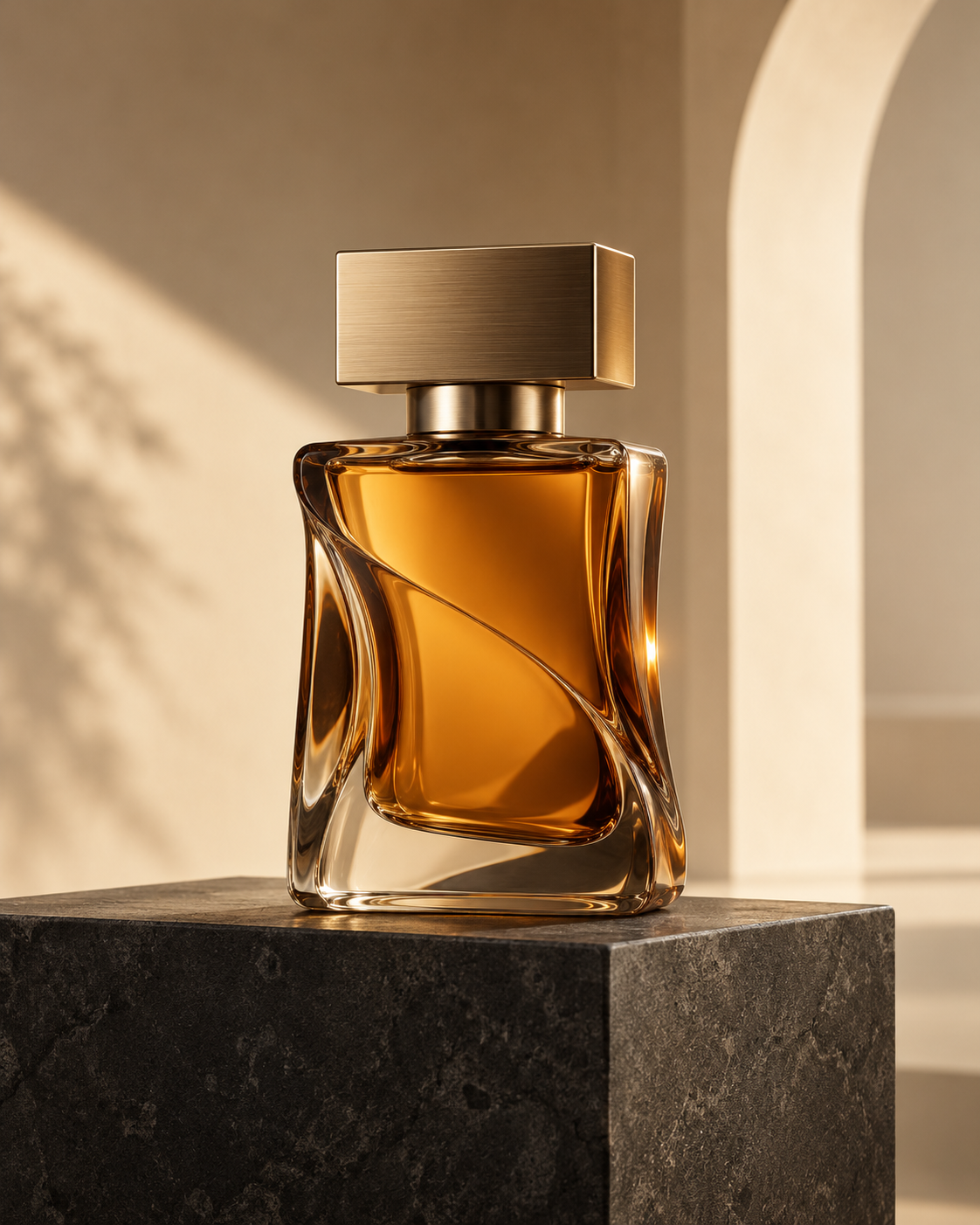 Actual ChatGPT example
Open ChatGPT using an account with image creation available.
Copy the complete text below and paste it into ChatGPT. This example needs no attachments.
Let ChatGPT create the image. If it replies with text instead, ask: “Create the image from this prompt.”
Use the three checks below. If something needs attention, request one specific change.
Luxury product photography
This creates a fictional product. Your result will vary.
Look for a soft highlight from the left and a subtle rim on the right. Do the shadows and reflections feel consistent?
Inspect the silhouette, cap, liquid and reflections. Look closely for warped edges or implausible details.
Look for dark stone, a restrained cream setting and useful empty space. Check for stray text, labels or logos.
One change at a time
Try this follow-up in the same conversation:
Keep the same bottle, cap, pedestal, composition and cream background. Change only the lighting: make the key light from camera-left softer, with a gentler shadow transition. Keep the subtle right rim light. Do not add text, logos or objects.
This optional refinement is a starting point. Compare the new image with the first: asking to preserve details does not guarantee they will stay unchanged.
After trying the example, change one part of the brief, such as the bottle color or background. Compare the results before changing something else.
This is a fictional, unbranded product concept, not a photograph of a real product. Results vary, and you may need to refine the image.
Using your actual product? Attach a product photo you have permission to use and ask ChatGPT to use it as the reference. Check shape, packaging, colors, logos and every label character against the original before publishing.
Optional bonus / Add a fictional brand
Meet ORVANE, a fictional perfume business created for this exercise. Use the base image and supplied wordmark to practise adding a bottle label and matching packaging.
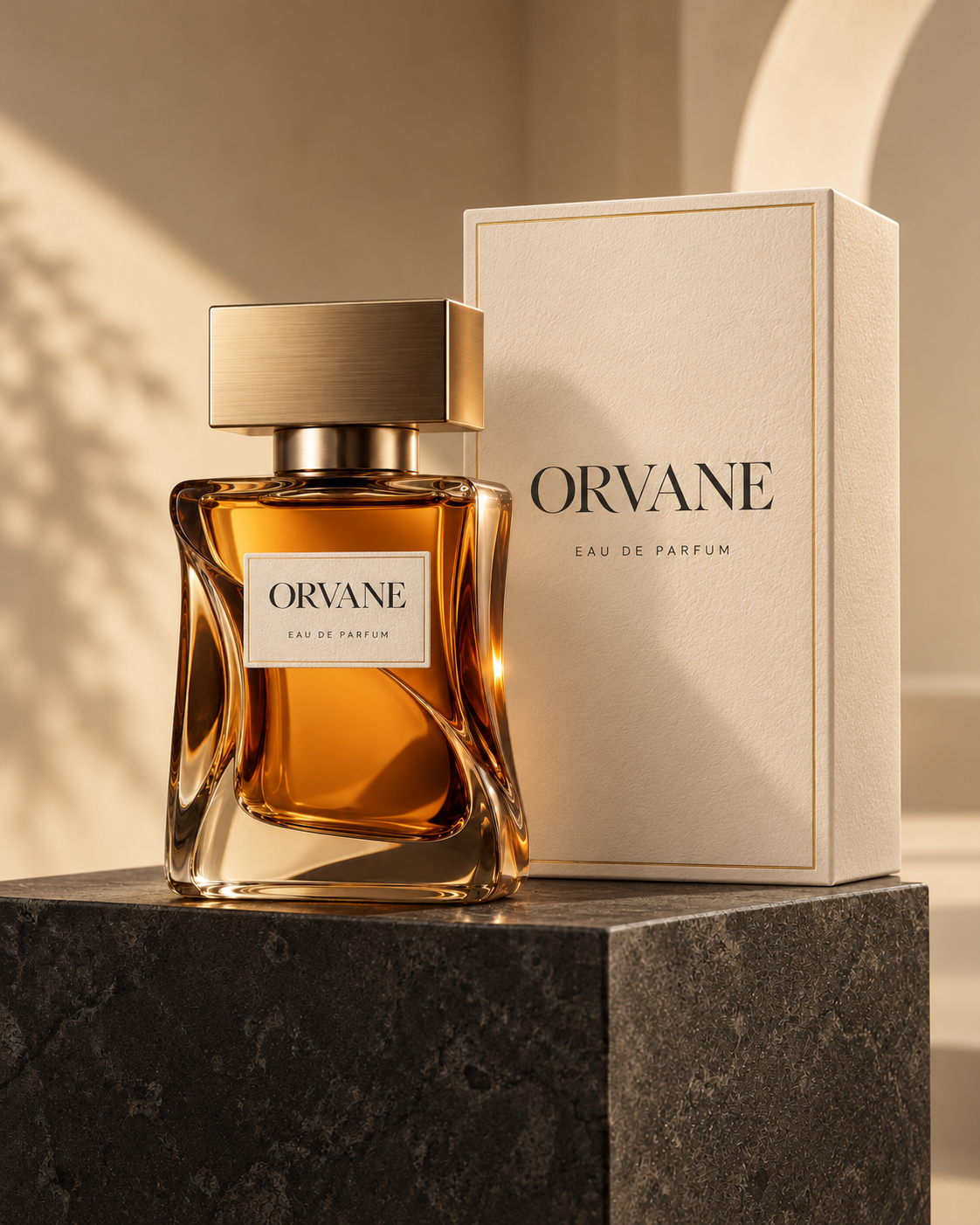
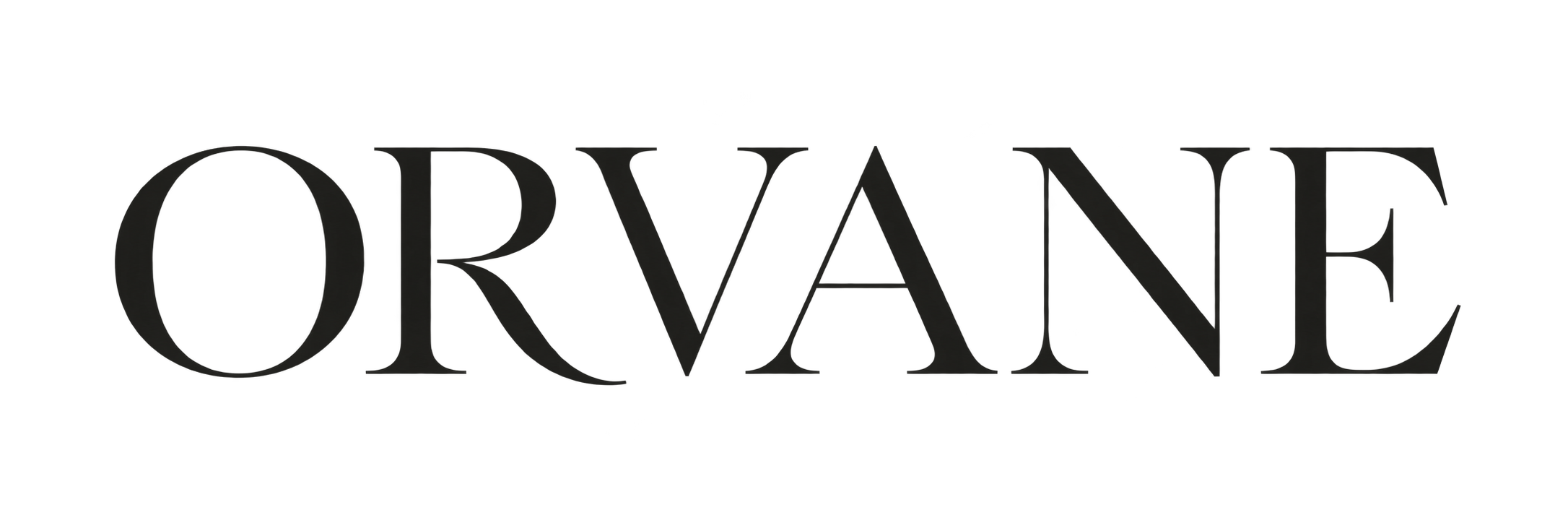
Fictional teaching brand / Wordmark reference
Practise with these fictional assets, then repeat the workflow with a product photo and logo you have permission to use.
Use with both references
Keep both references attached. Check spelling, shape and packaging before using the result.
Your next step
Explore the lessons, Prompt Studio, visual examples, prompt library and seven-day challenge.
14-day, no-questions-asked money-back guarantee. For a full refund, email support@asmaldigital.com within 14 days of purchase.
Image-generation subscriptions and credits are separate. The Hub is an independent educational resource from Asmal Digital.
One payment.
Lifetime course access.
Try this free prompt first. Continue when you are ready.
The prompt and practice steps above are course-authored examples.